SAM PLAY · Media player
Your media. Your screen. Your way.
A cinematic player for the live TV, movies and series in your own compatible sources. Built for Android TV, Fire TV, Google TV and Android.
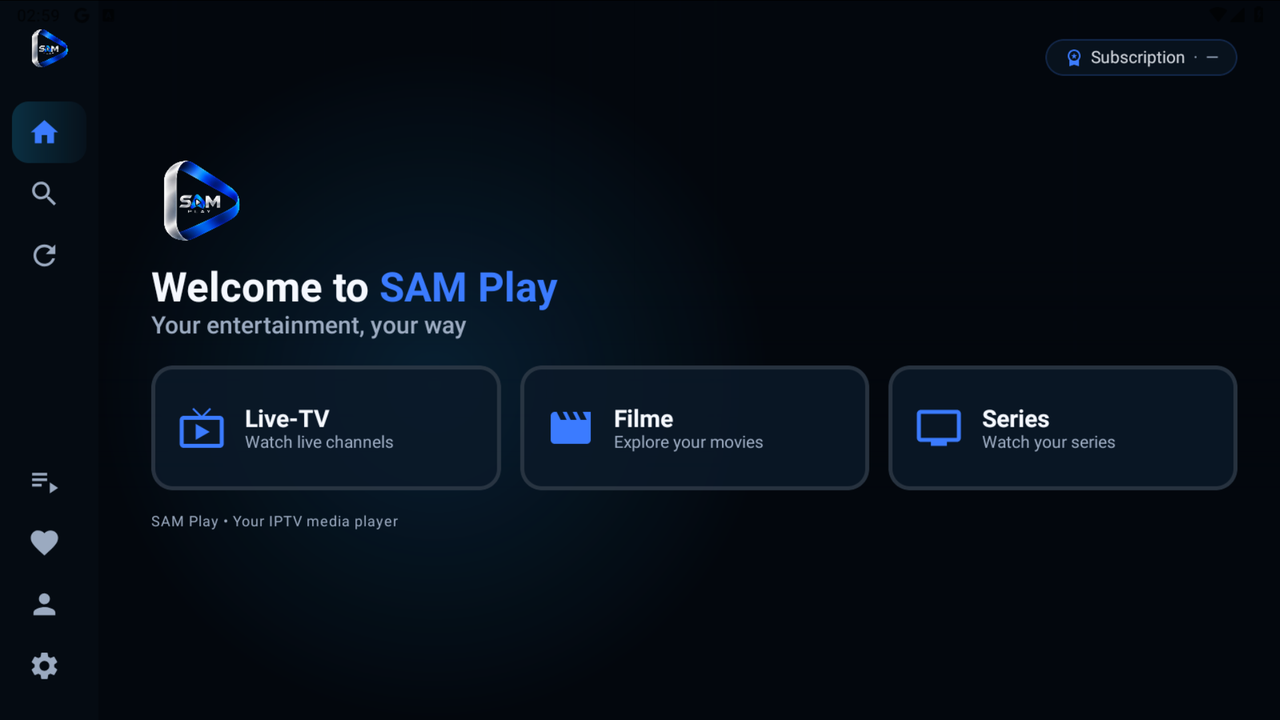
01Home
Everything you watch.
One calm home.Live TV, movies and series from your own sources, together in one beautifully simple player.
02Sources
Bring your own sources.
Connect a compatible M3U playlist, Xtream Codes login or Stalker Portal. SAM Play plays what you bring.
- M3UPlaylist link
- Xtream CodesServer & login
- Stalker PortalPortal URL & MAC
03Screens
The big screen. And the one in your hand.
Android TV, Google TV, Fire TV, Android phones and tablets.
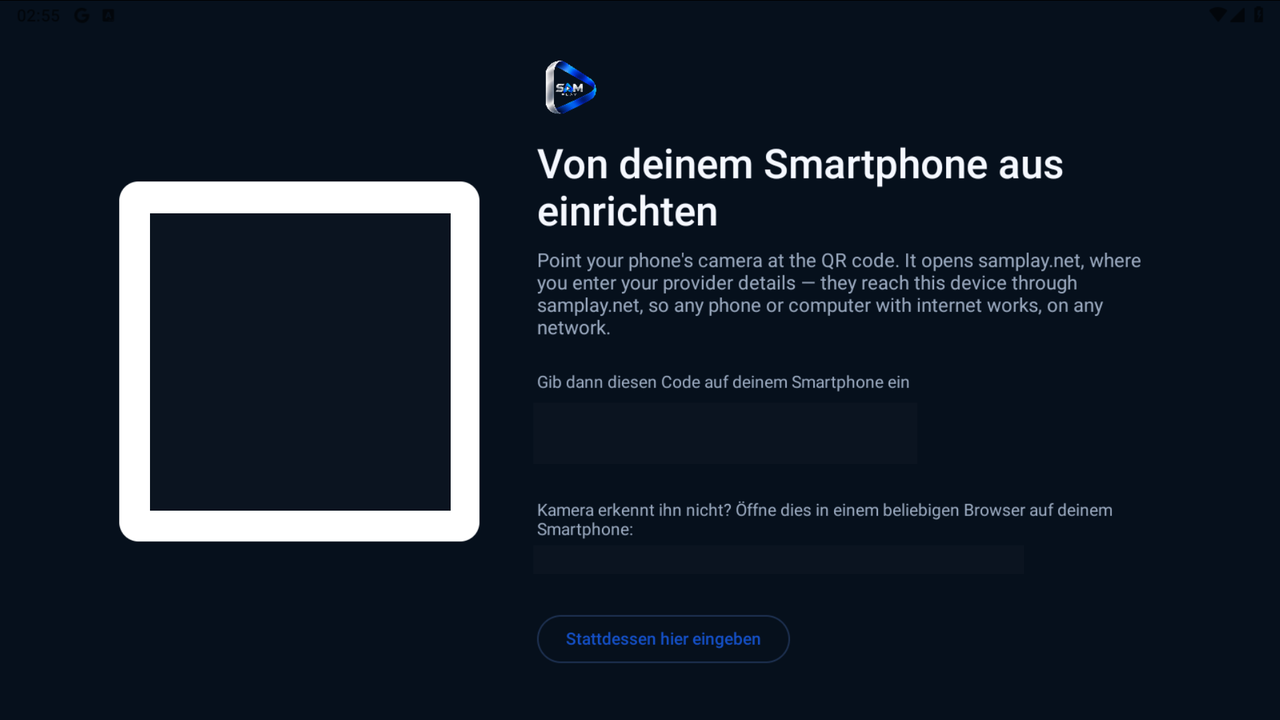
04Setup
Type on your phone.
Watch on your TV.Scan the QR code on your TV or open samplay.net/activate, enter the code, add your source, done.
05Play
Your media.
Beautifully played.SAM Play is a media player. It does not include or sell channels, movies or subscriptions.
Activation
Three steps.
Then press play.
Enter your source details on your phone or computer and send them straight to your TV. No typing with a remote.
- 01
Open pairing on your device
In SAM Play, open the pairing screen to see your QR code and six-digit code.
- 02
Scan the QR or visit samplay.net/activate
Use the QR or code from your own device, then choose your source type.
- 03
Add your source and send
The app retrieves the setup and adds it to its playlist sources.
Enter the short-lived code shown in SAM PLAY and send your playlist setup to that device.
Codes expire after 10 minutes. Only enter a code from your own device.
Devices & downloads
Choose your screen.
SAM Play runs on the devices you already own. Public download links are on their way. Download page
Already installed? Activate device
- Android TVFor the living roomSupportedVersion 0.12.4
- Google TVBuilt for the remoteSupportedVersion 0.12.4
- Fire TVYour library on the big screenSupportedVersion 0.12.4
- Android phones & tabletsYour media, on the goSupportedVersion 0.12.4
- iPhone & iPadIn the worksComing soon
- Apple TVIn the worksComing soon
Your sources
SAM Play is the player. You bring the media.
SAM Play is a media player. We do not sell, provide or distribute IPTV subscriptions, channels or streaming content. You bring and manage your own compatible playlists and media sources, and you are responsible for having the rights to use them.
Support
A little help.
Then back to watching.
Answers to the essentials.
 Need more help?Email support@samplay.net
How do I activate my device?
Device pairing is available. Enter the code shown in SAM PLAY on the activation page. Open the activation page on your phone or computer, enter the code from your device, and add your own source details.
My pairing code has expired. What now?
Codes last 10 minutes. Start a new pairing session in SAM Play on your device, then enter the new code on the activation page.
Which playlist types can I use?
Device pairing accepts Xtream Codes (server, username and password), M3U playlist links, and Stalker Portal details (portal URL and MAC address). Use information from your compatible provider.
Where can I download SAM Play?
Public website download links are not available yet. See supported platforms. iPhone, iPad and Apple TV are coming soon.
How do I activate my license?
Open SAM Play on your device to see its six-digit code, then go to Activate a license and enter the code and your license key. One license covers one device. Annual licenses run for 12 months from first activation; Lifetime licenses never expire.
Does SAM Play include channels or movies?
No. SAM Play provides the player. You provide your own compatible media sources and are responsible for having the rights and permissions to use them.
How are my playlist details handled?
Your setup is encrypted while waiting for the paired app. The active relay payload is removed once the app acknowledges saving it, or when the session expires. Read our privacy policy for retention and hosting details.